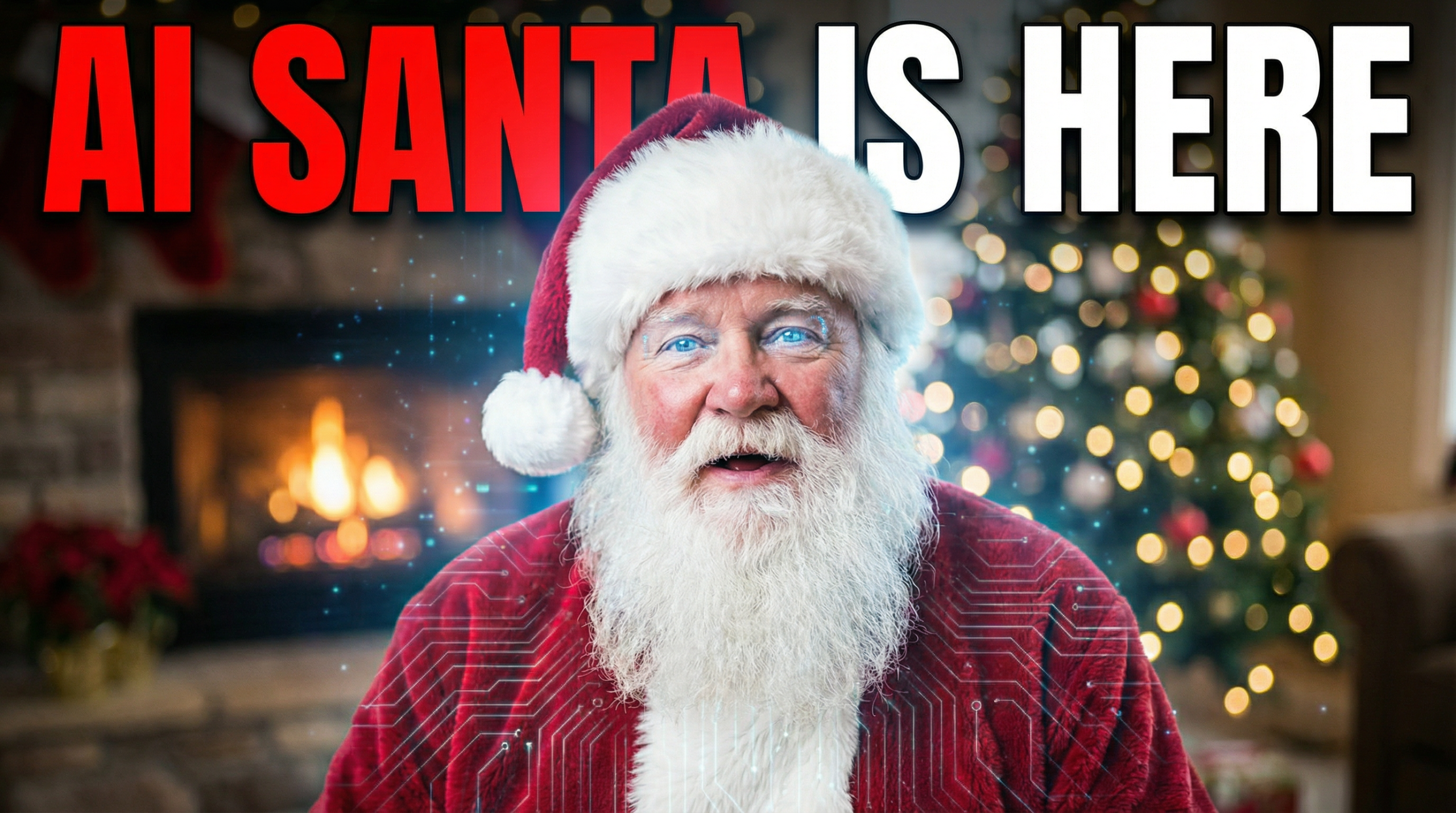
Want to surprise your kids, family, or friends with a personalized message from Santa? Now you can make it happen in just a few clicks.
We just added Santa Claus AI Actors to Easy-Peasy.AI. That means you can create realistic talking Santa videos where Santa says exactly what you want him to say.
No video editing skills needed. No expensive equipment. Just type your message and let AI do the rest.
What Are AI Actors?
AI Actors are realistic digital avatars that can speak any text you give them. You pick an actor, write your script, and the AI generates a video of that actor speaking your words.
Think of it like having a virtual spokesperson that works 24/7.
And now, Santa is one of those actors.
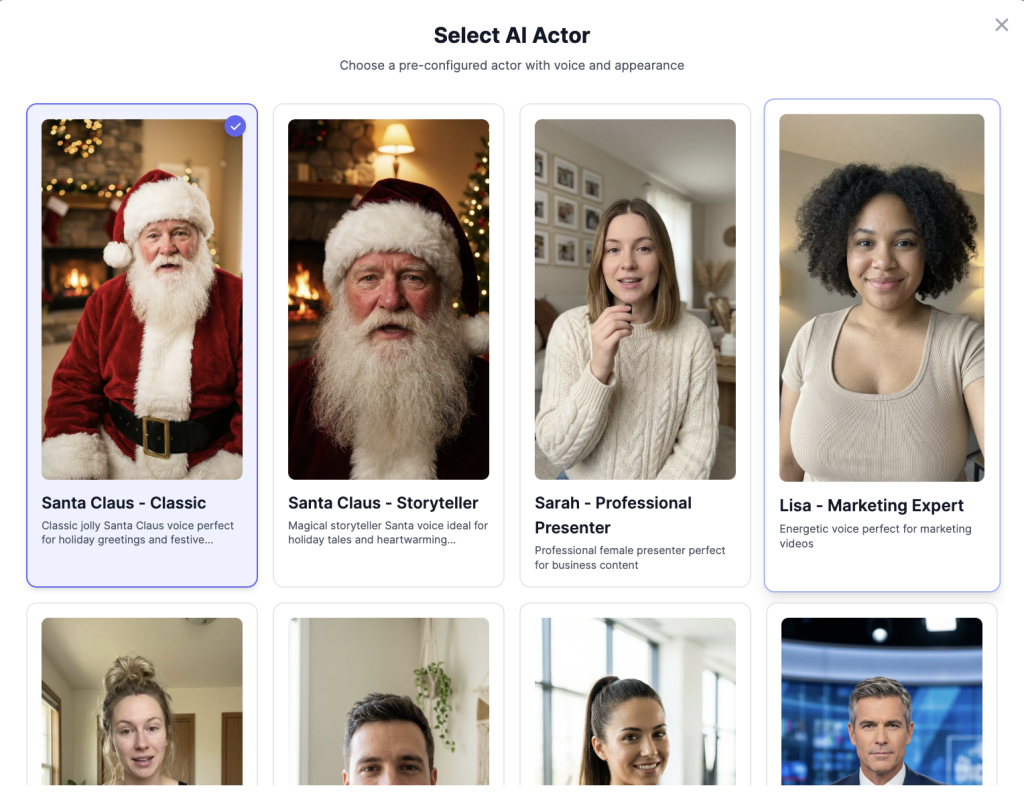
Meet Our Santa Actors
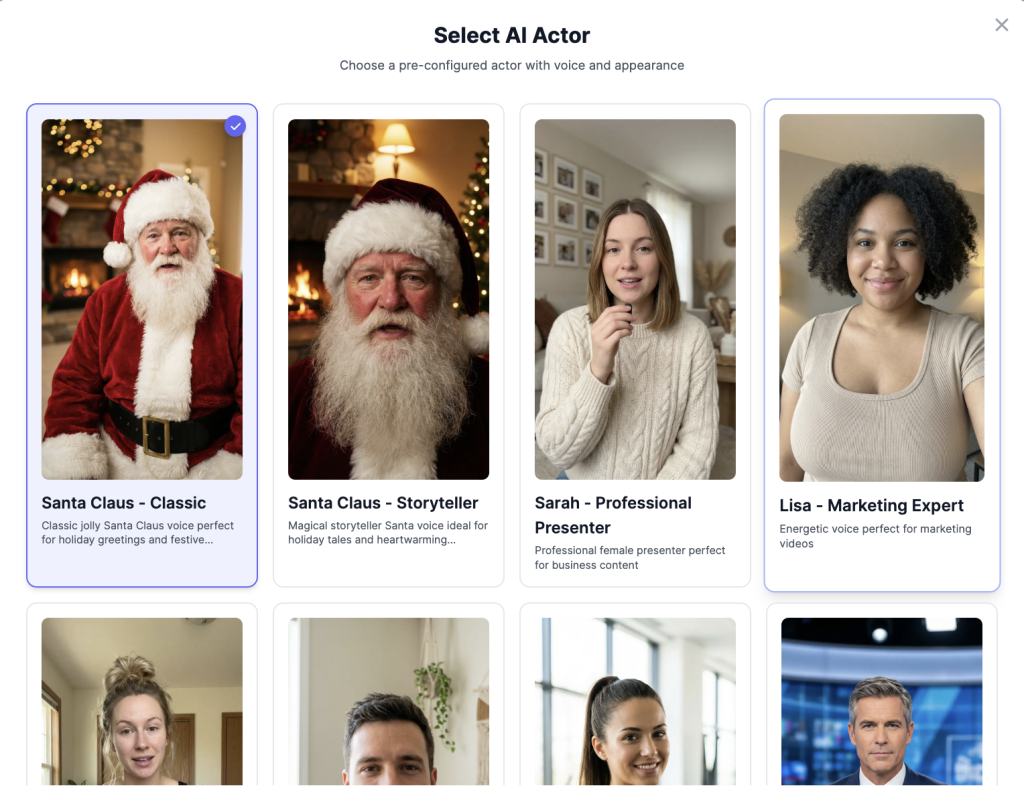
We added two photorealistic Santa avatars:
Santa Claus – Classic The traditional Santa you know and love. Warm fireplace in the background, classic red suit, friendly face. Perfect for that vintage holiday feel.
Santa Claus – Storyteller A cozy cabin Santa ready to tell bedtime stories or share heartfelt messages. Great for longer, more personal videos.
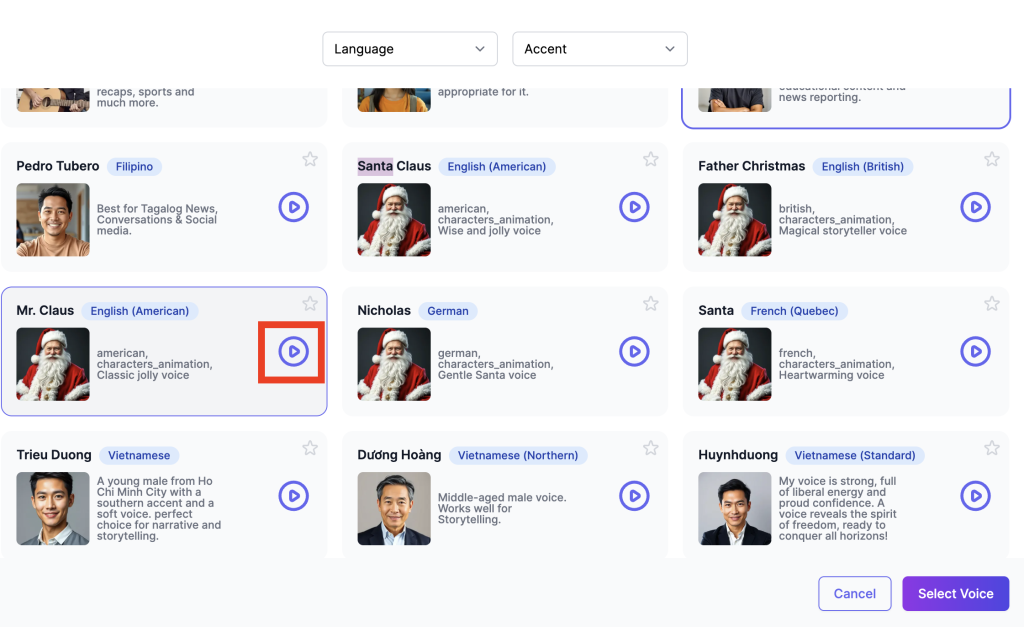
4 Different Santa Voices
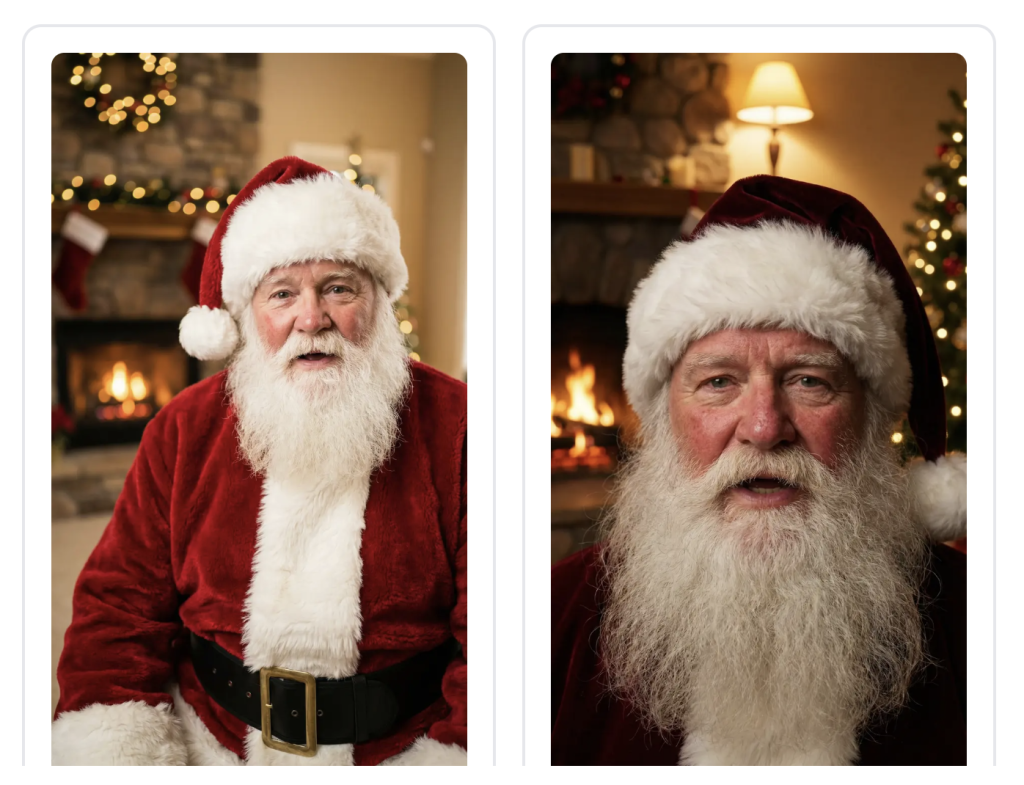
Not all Santas sound the same. We added four unique voices so you can pick the one that fits your video:
| Voice | Style | Language |
|---|---|---|
| Father Christmas | British storyteller, magical tone | English |
| Mr. Claus | Classic jolly Santa, deep and warm | English |
| Nicholas | Gentle and wise | German |
| Santa | Heartwarming and gentle | French |
Whether you want a jolly American Santa or a magical British Father Christmas, we’ve got you covered.
How to Create Your Santa Video
Making a talking Santa video takes about 2 minutes. Here’s how:
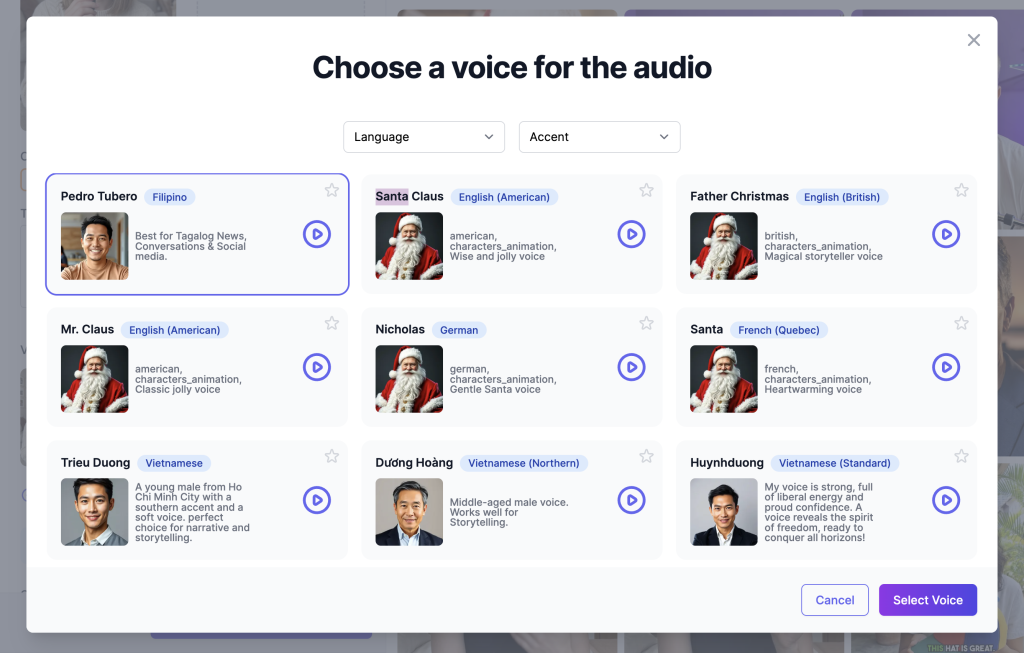
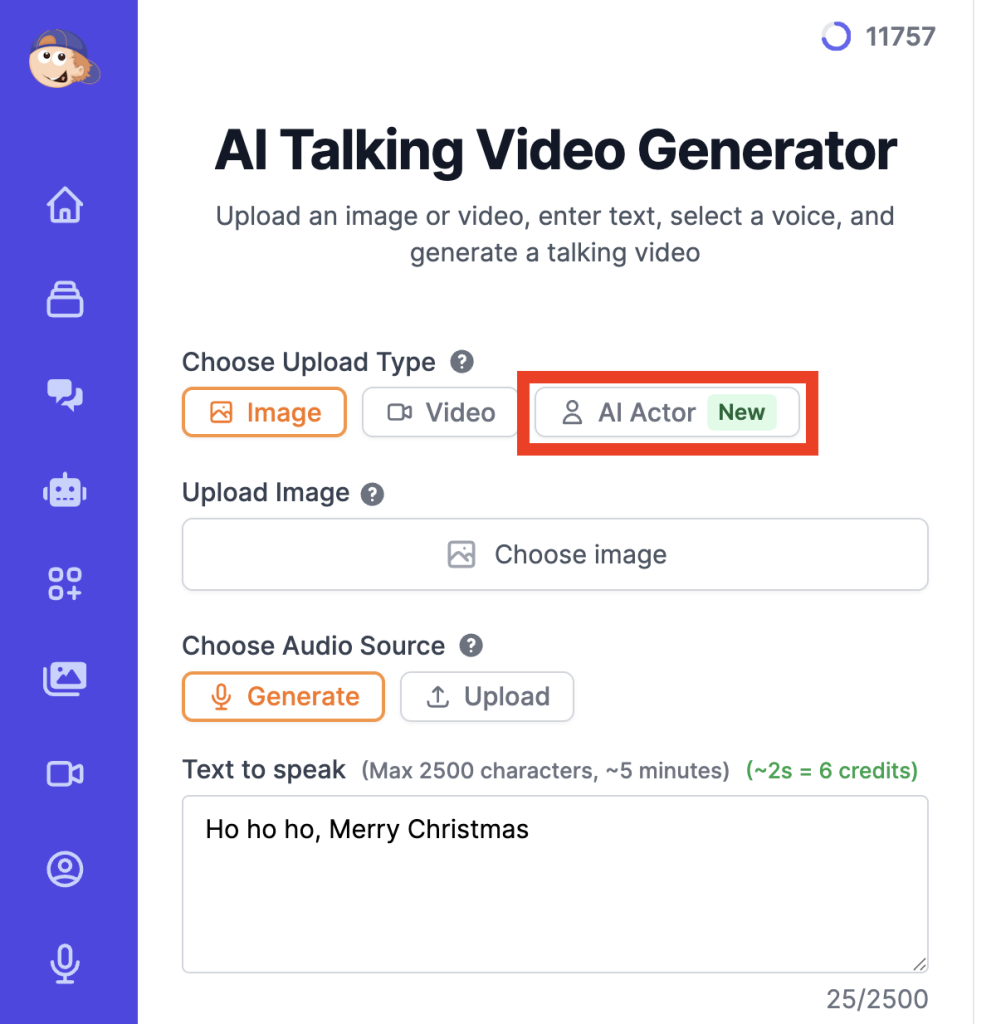
Step 1: Go to AI Talking Videos
Head to easy-peasy.ai/ai-talking-videos and click on the AI Actor button.
Step 2: Choose Your Santa
Browse the actors and select one of our Santa avatars.
Step 3: Pick a Voice
Choose one of our Santa voices or keep default. You can preview each voice before selecting.
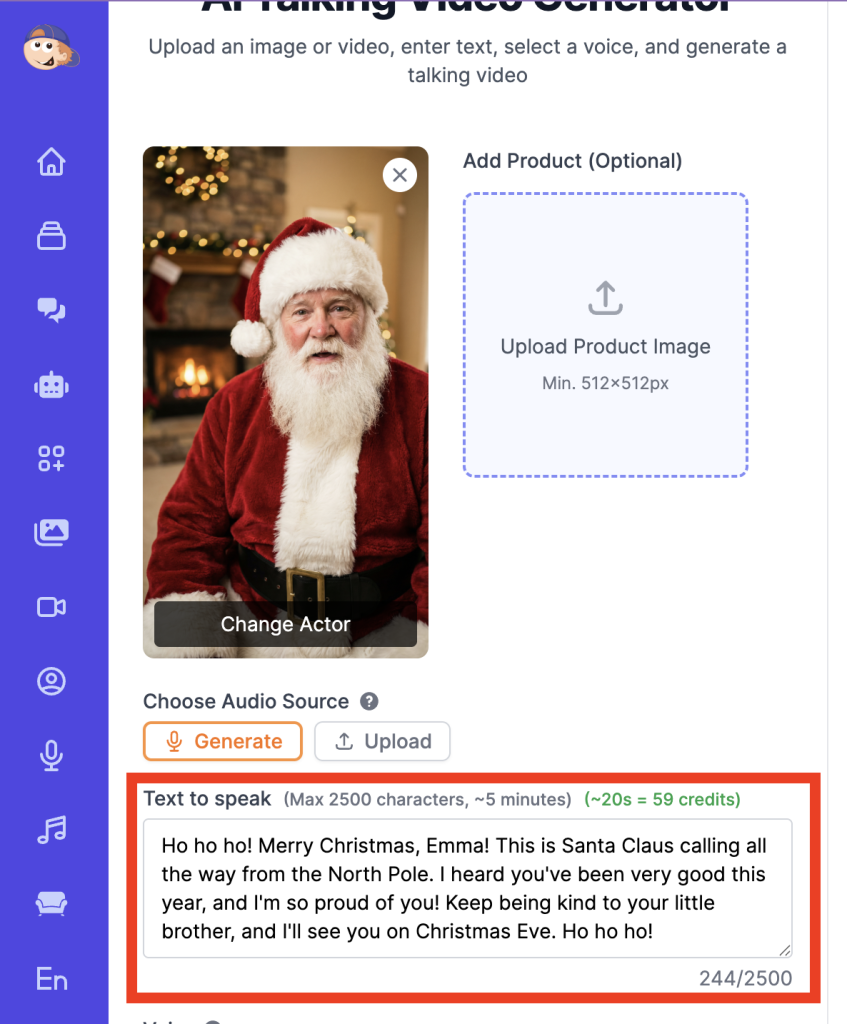
Step 4: Write Your Script
Type what you want Santa to say. Keep it personal and fun. Here’s an example:
“Ho ho ho! Merry Christmas, Emma! This is Santa Claus calling all the way from the North Pole. I heard you’ve been very good this year, and I’m so proud of you! Keep being kind to your little brother, and I’ll see you on Christmas Eve. Ho ho ho!”
Step 5: Generate Your Video
Click Generate and wait about 30 seconds. Your personalized Santa video will be ready to download and share.
Ideas for Your Santa Videos
Not sure what to create? Here are some ideas:
For Kids:
- Personalized Christmas messages with their name
- Santa confirming they’re on the nice list
- Bedtime story from Santa
- Countdown to Christmas reminder
For Family & Friends:
- Holiday greetings from Santa
- Funny Santa messages for adults
- Secret Santa reveal videos
For Business:
- Holiday thank you to customers
- Festive product announcements
- Team holiday greetings
Tips for Better Santa Videos
- Keep it personal — Use names and specific details. “Great job on your spelling test, Jake” hits different than generic messages.
- Keep it short — 30-60 seconds is the sweet spot. Kids have short attention spans.
- Add context — Mention something only Santa would “know” to make it feel real.
- Match the voice to the vibe — Use the jolly Mr. Claus for fun messages, Father Christmas for storytelling.
- Watch the preview — Always preview the voice before generating to make sure it fits your script.
Sample Script You Can Copy
Here’s a ready-to-use script. Just replace the bracketed parts:
“Ho ho ho! Merry Christmas, [NAME]!
This is Santa Claus, coming to you from the North Pole through the magic of Easy-Peasy.AI!
I’ve been watching, and I can see you’ve been [SOMETHING NICE THEY DID]. That made me so happy!
Remember, the true spirit of Christmas lives in your heart. Spread kindness and believe in the magic!
Ho ho ho! Merry Christmas to you and your family!”
Start Creating
Ready to make some Christmas magic?
Your kids (or your friends who still believe in magic) will love it.